
Patriot Mail is a free email app, with no subscription, that works with the email address you already have. Between the end of June and the middle of August we shipped almost a thousand improvements, and this post walks through the ones you will notice.
There is nothing to learn and nothing to install: the text gets bigger, the junk gets quieter, and the photo your family sent in June stops hiding. Everything below is live today, in the app and in your browser.
The short version:
- Reading is easier on your eyes: make the text of any email up to twice as big, switch to reader mode, or turn on high contrast.
- Your files, finally findable: every photo and document you have ever been sent, gathered in one gallery.
- Search keeps up with you: results appear as you type, with your search words highlighted.
- Block without limits: block any number of senders, or a whole company at once.
- Clean up in one sweep: select everything, mark it read, or empty the trash in one step.
- 27 more email services: each with its own step-by-step sign-in guide.
Reading is easier on your eyes
A text size button now sits in every message and steps the writing up to twice its normal size. Set it once, and every email after that opens at the size you chose - no more squinting at gray text on a glowing screen.
Reader mode goes further. One tap clears away the clutter and lays the message out like a page in a book: one calm column, roomier lines, nothing flashing for your attention. And for the strongest contrast, a new high-contrast setting switches the whole app to near-black text, underlined links, and clearer outlines.
Your photos and files, in one place
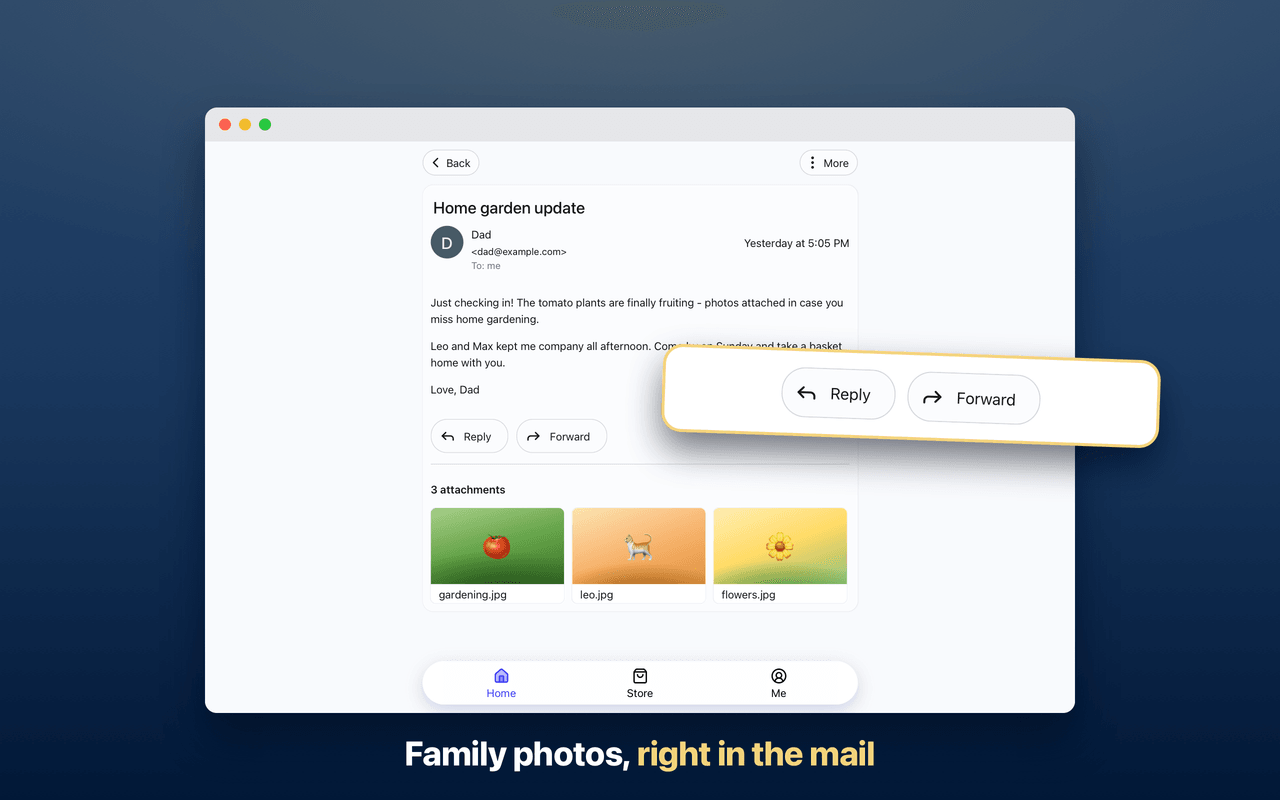
Someone sent you photos from the lake in June, and two months of mail have buried them. The new Attachments view gathers every file an account has received into one gallery - photos as thumbnails, documents by name - so you scroll straight to the one you remember instead of digging.
Open a photo and it fills the screen, ready to zoom. Open a document and it reads like a page. Every file can take you back to the email it arrived with, and on a phone, saving and sharing sit in a bar at the bottom, under your thumb.
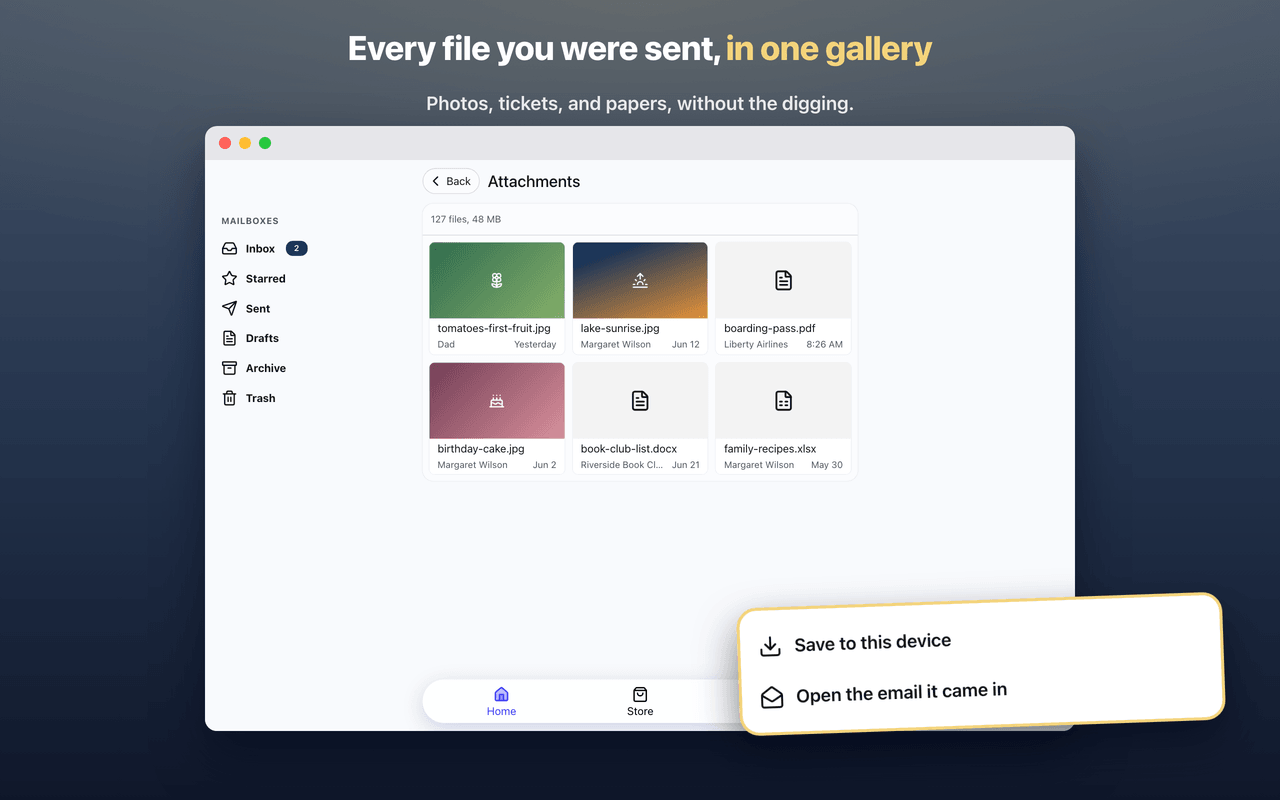
Large attachments stopped getting in the way, too. The words of a message now arrive first, even when a big file rides along, and pictures load as you reach them.
Getting around is simpler
Your folders now live in a panel that stays put. The Compose button, your mailboxes, and your shortcuts keep their place while you move between your inbox, your settings, and the store, so you never have to hunt for the way back. On a tablet or a computer, the panel simply stays open.
The panel also gained two shortcuts people kept asking for. Subscriptions, the tool that helps you unsubscribe from mailing lists, is now one click away. And a new Contacts page lists the people you actually write to and hear from, most recent first. Choose a person to see every message between you.
Find any email, fast
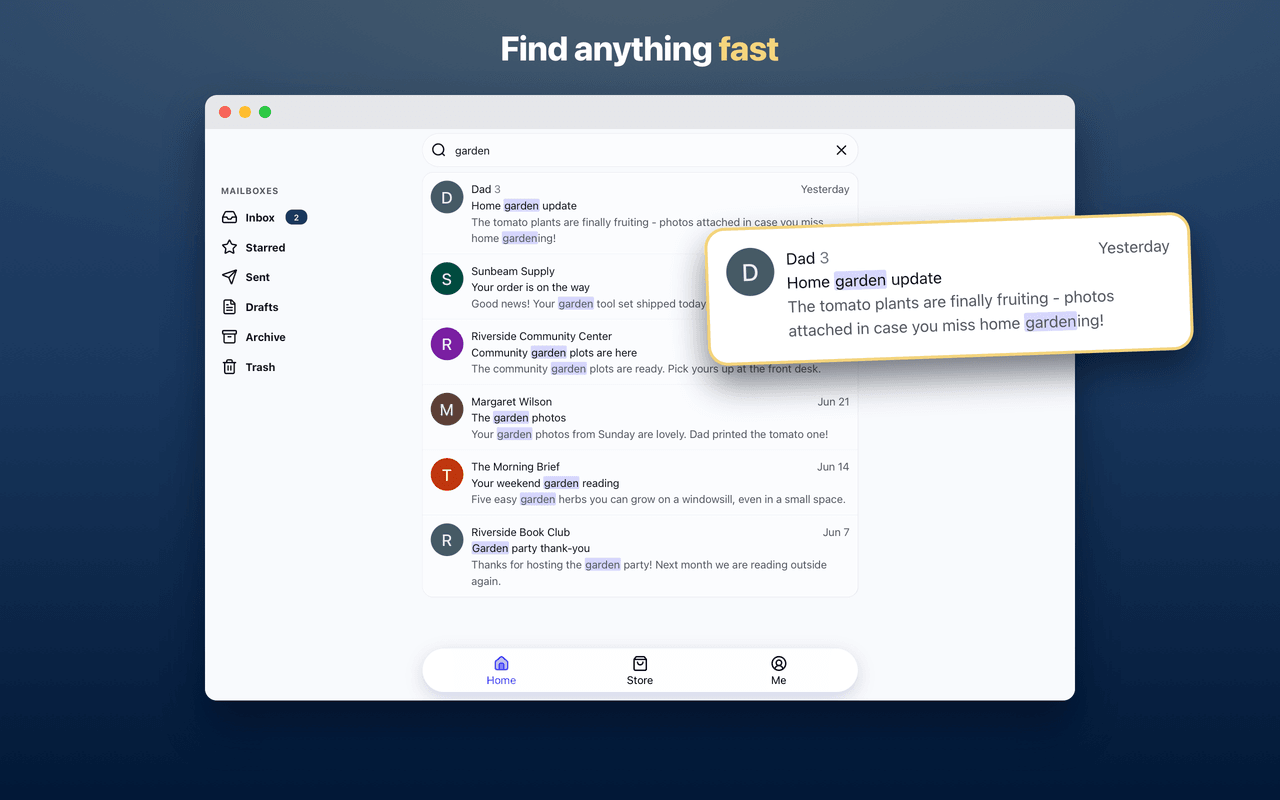
Search now starts answering before you finish typing. Results appear instantly, drawn from the mail already on your device, and the words you searched for are highlighted in every result so you can see why it matched.
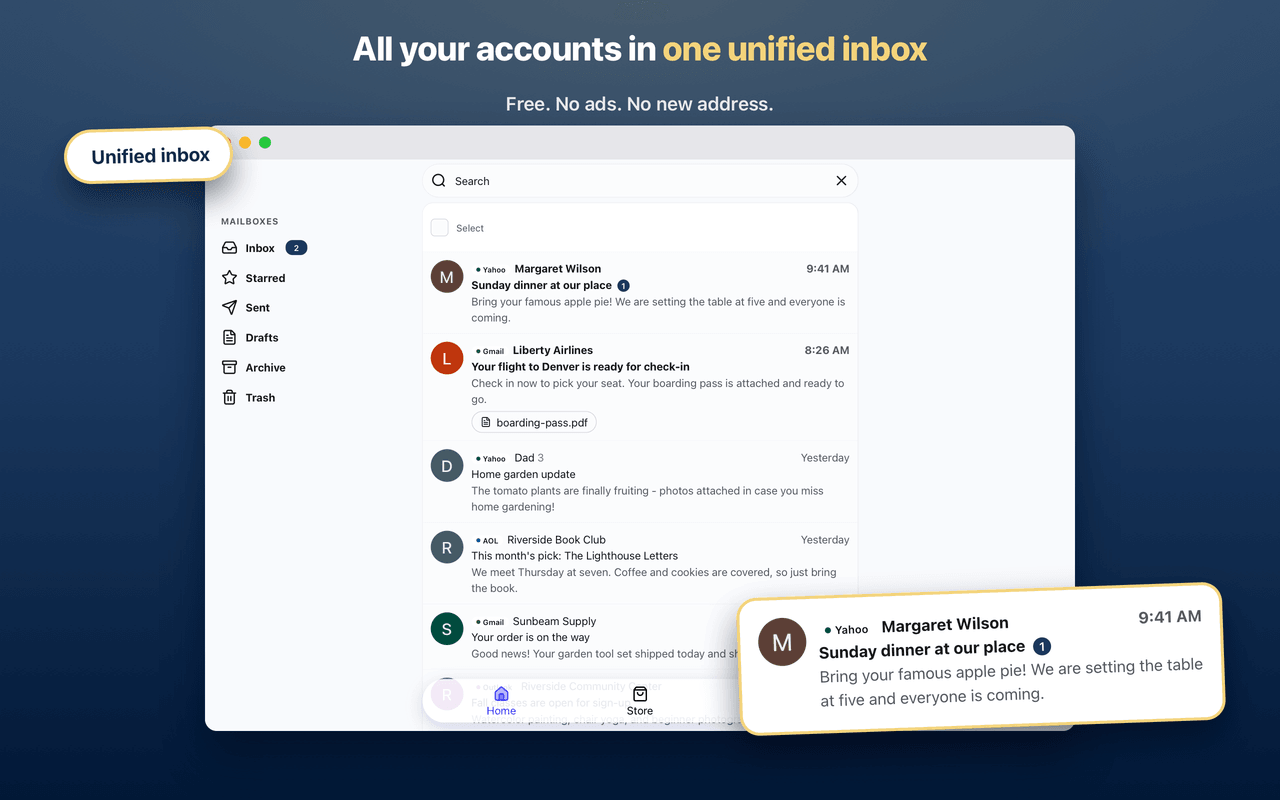
You can also point it. Type "from:" and a name to see mail from one person, or "subject:" and a word to search subject lines only. It works across all of your connected accounts at once, and each result shows which account it came from. The search guide shows every trick.
Clean up years of mail in minutes
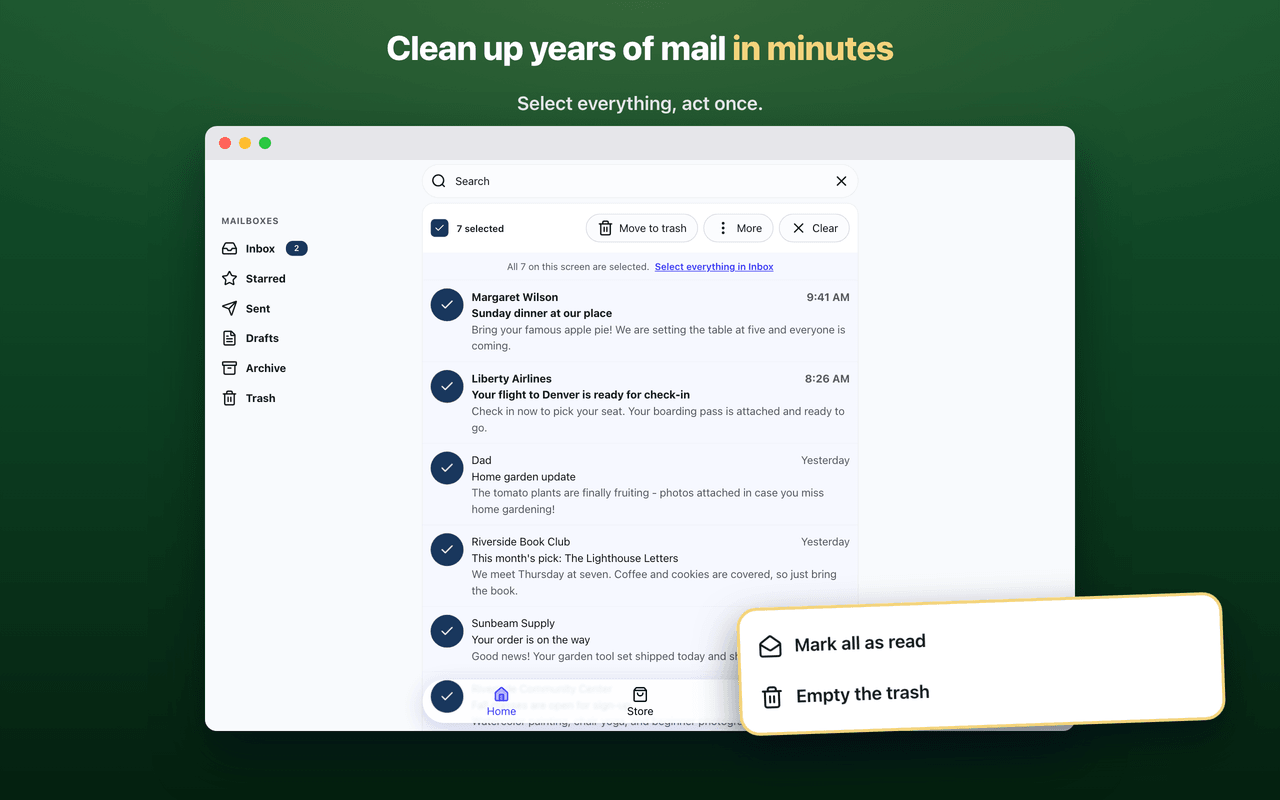
Select one message and a toolbar appears with the right actions for where you are. Select a few more, or everything at once - when you choose Select all, Patriot Mail offers to extend the sweep to the entire mailbox, not just the messages on your screen.
Mark a whole mailbox as read in one step. Move a stack of messages to the trash without a confirmation slowing you down. Empty the trash entirely, or rescue something from spam back to your inbox. Starring is here too, so the messages that matter can rise above the rest.
Some providers quietly delete old trash after a set number of days. When yours does, Patriot Mail says so at the top of the Trash folder, before it surprises you.
Block as many senders as you like
Blocking used to have a quiet limit, and the people who needed it most were the ones who hit it. That limit is gone. Block as many senders as you like, and block a whole company at once - blocking one address from a store can cover everything else that store sends.
Blocked mail is usually deleted the moment it lands, and otherwise the next time you open the app. Either way it stops reaching you, with no junk folder left to empty. And your block list now lives on your own device, not on our servers, which is exactly where a private list belongs.
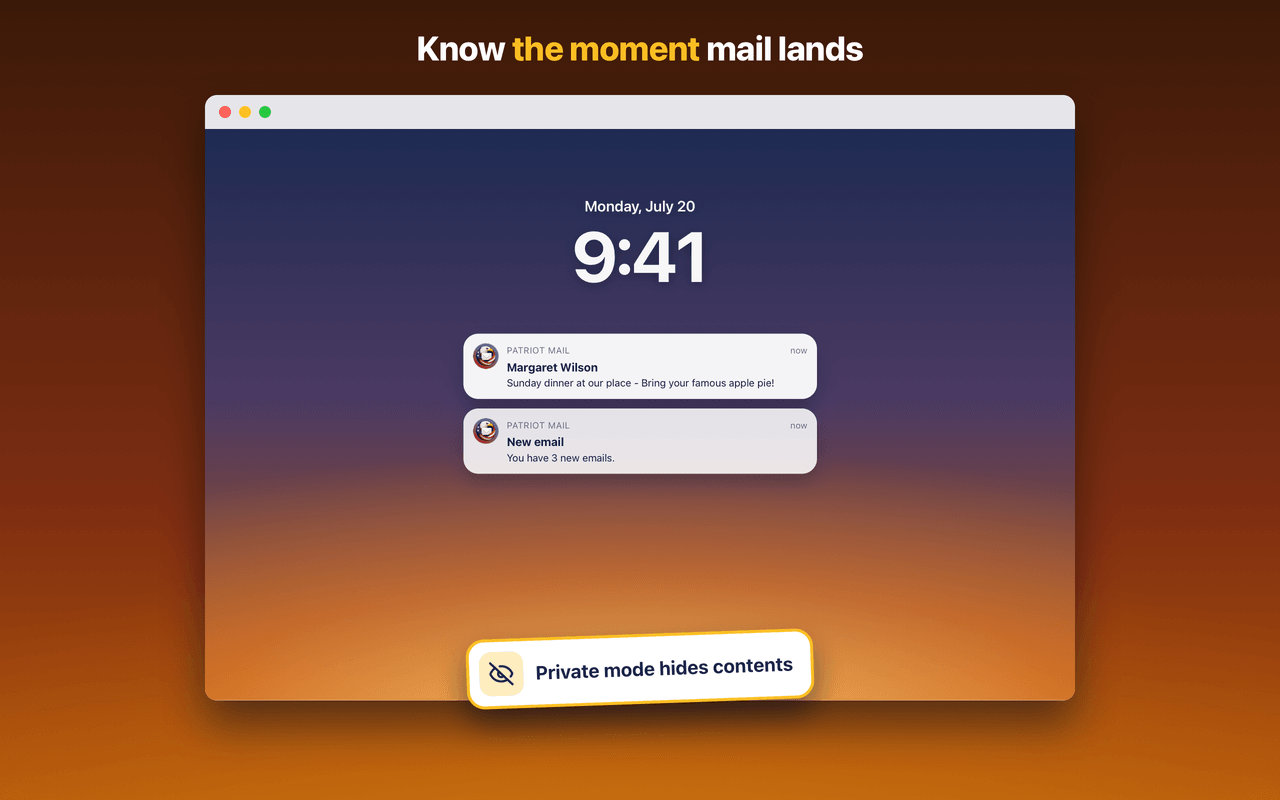
Notification settings hold now. Turn them off and they stay off, on every device, and signing up no longer stops to ask about notifications before letting you in.
Writing and replying feel lighter
Writing has a toolbar now: bold, italics, and links. Photos sit inside your message, right where you place them, and attachments drag straight in. When you reply, the earlier conversation tucks itself below your words, and you can unfold and edit it whenever you want.
A draft you save appears in your Drafts folder immediately - it used to take most of a minute - and the bug that could leave several copies of the same draft is gone. Close a message you have not finished, and Patriot Mail asks before letting it go.
Safer without touching a setting
Every message you send now travels over an encrypted connection - no exceptions, nothing to configure.
Marketing links that would have taken a detour through a tracking service now go straight to the real destination, and links that use an outdated, unprotected form are quietly upgraded to the protected one. None of this needs a setting, and none of it changes how your mail looks.
None of this is our word alone: Patriot Mail passed the CASA Tier 2 security review by TAC Security, the independent check Google requires before an app may connect to Gmail.
Works with more email services
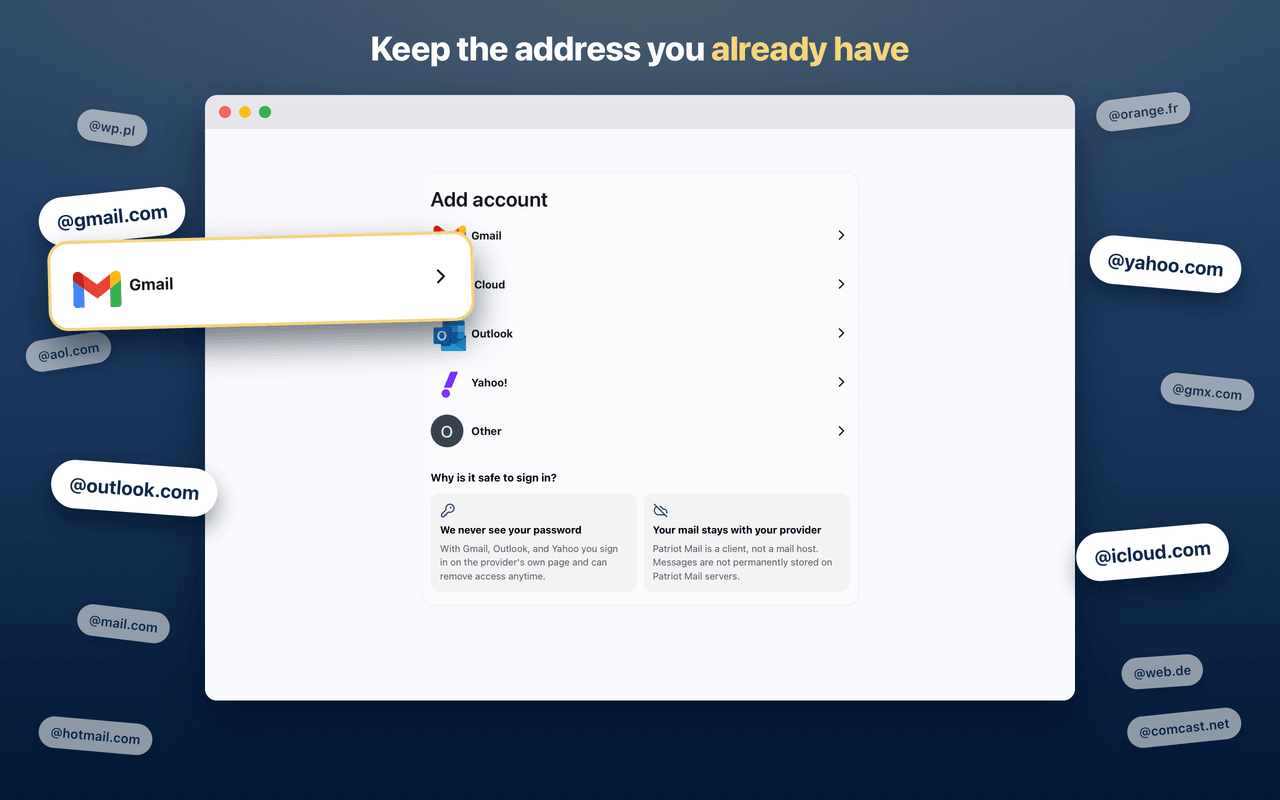
Patriot Mail now connects to 27 more email services around the world, including Orange, SFR, and La Poste in France, Libero in Italy, UOL and Terra in Brazil, QQ Mail and Naver in Asia, and the Polish services WP Poczta, Onet, Interia, o2, and Gazeta - with guides written in Polish for each of them.
Every service comes with a step-by-step sign-in guide, and the add-account screen shows the right instructions for your address as you type it. When a service cannot be connected at all, we say so up front, before you spend an evening trying.
Steadier, and more honest when something goes wrong
Your mail now appears instantly from a copy kept on your device and refreshes in the background, so folders and unread counts are there the moment the app opens. Messages that used to show up blank - plain, simple emails without any formatting - now display, and the phantom duplicates some Gmail users saw are gone.
Trouble with one account no longer spills onto the others. If a password expires on one address, that account asks to be reconnected while the rest of your mail carries on. When something does go wrong, the message on screen says what happened and what to do, in plain words instead of a code.
Easier for every reader
The app works better with screen readers, the keyboard can skip straight to the mail, and every change we ship is checked against accessibility rules before it reaches you. The high-contrast mode above came out of the same work.
How the summer unfolded
The whole stretch, start to finish.
Common questions
Try it with the address you already have
Patriot Mail works with the email address you have had for years - Yahoo, Gmail, Outlook, AOL, iCloud, and many more. Twenty years with the same address should feel like an advantage, not a trap. This summer, it finally does.